Contacts — customers and suppliers
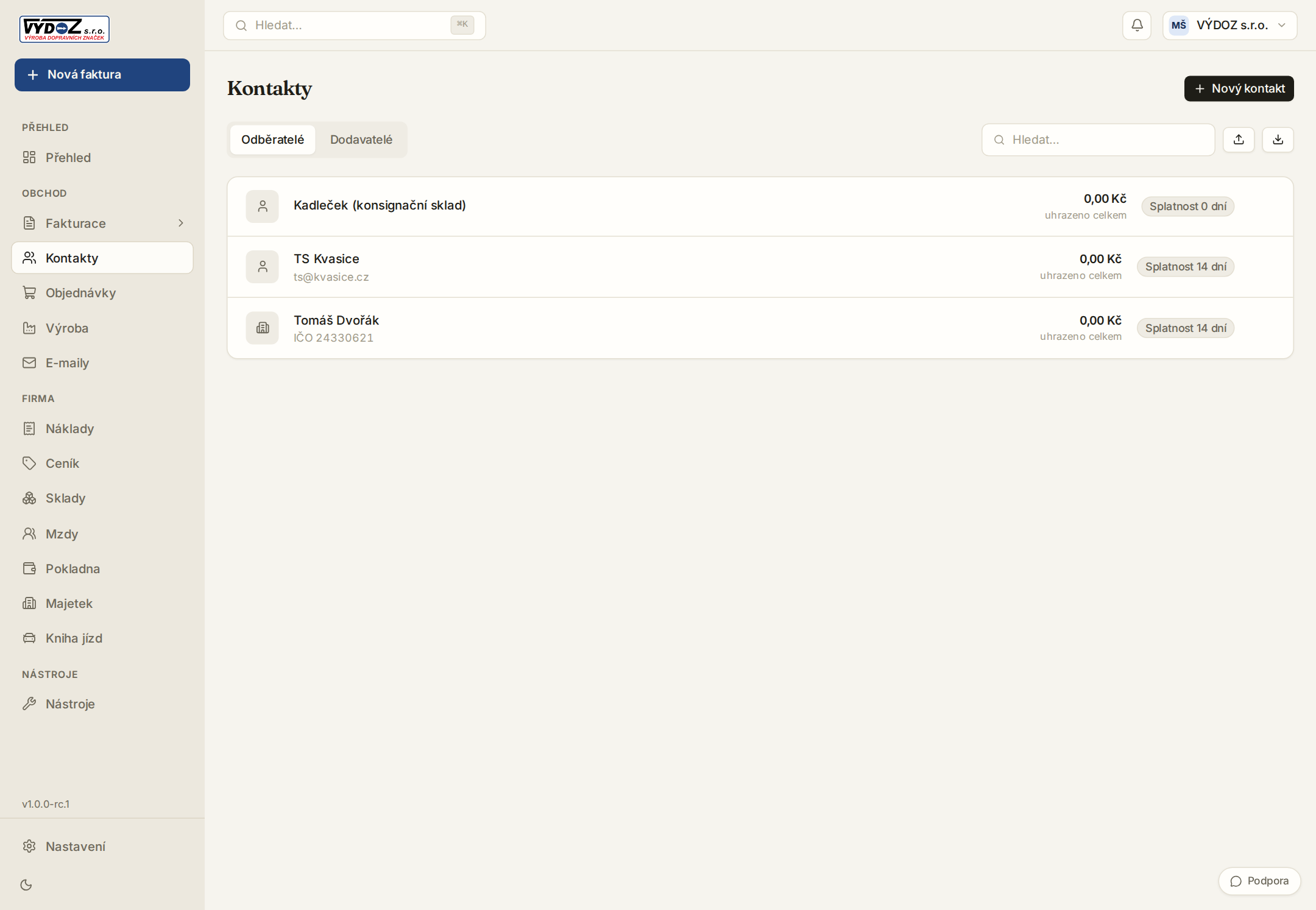
A directory with ARES prefill, balance and document history for every client.
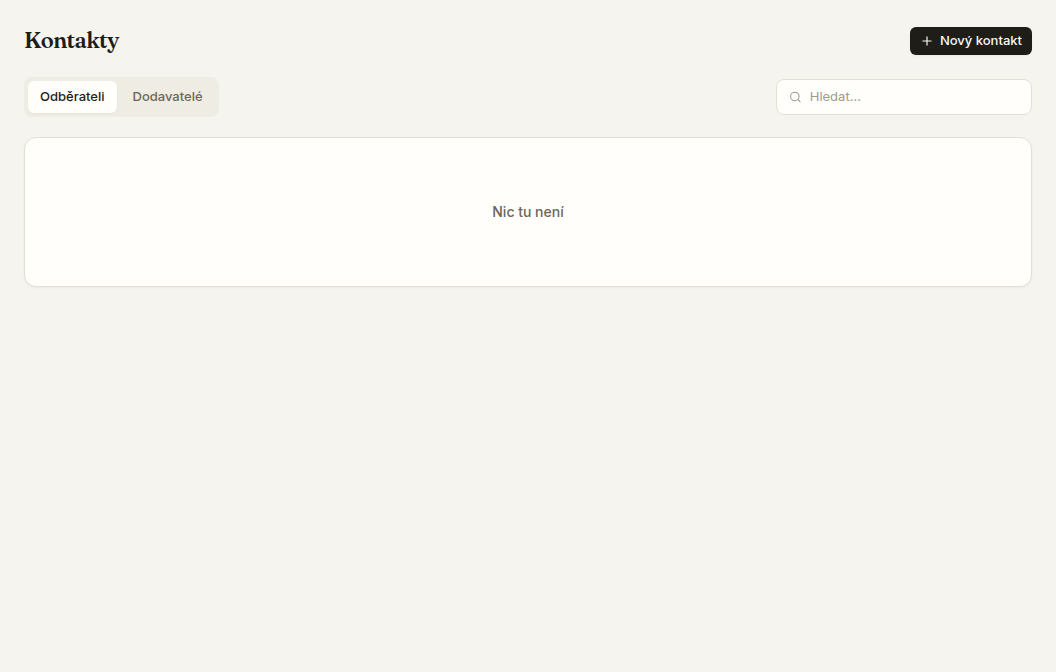
- 1A new contact prefills from ARES by company ID — just copy the number off their invoice.
- 2Click a company to see its documents, total turnover and unpaid items.
- 3The e-mail and billing details feed document sending and reminders.
- 4Merge duplicate contacts from the detail — documents and expenses repoint to the chosen record and the duplicate is hidden for a while. The merge can be undone.
A portal link lets the client view and accept a quote — no sign-in needed.
Try Invico free
15 days of Pro free — no card required.
Notify me at launch →