Stock — goods, movements and inventory
The stock card tracks goods, movements and counts — issued documents deduct items automatically.
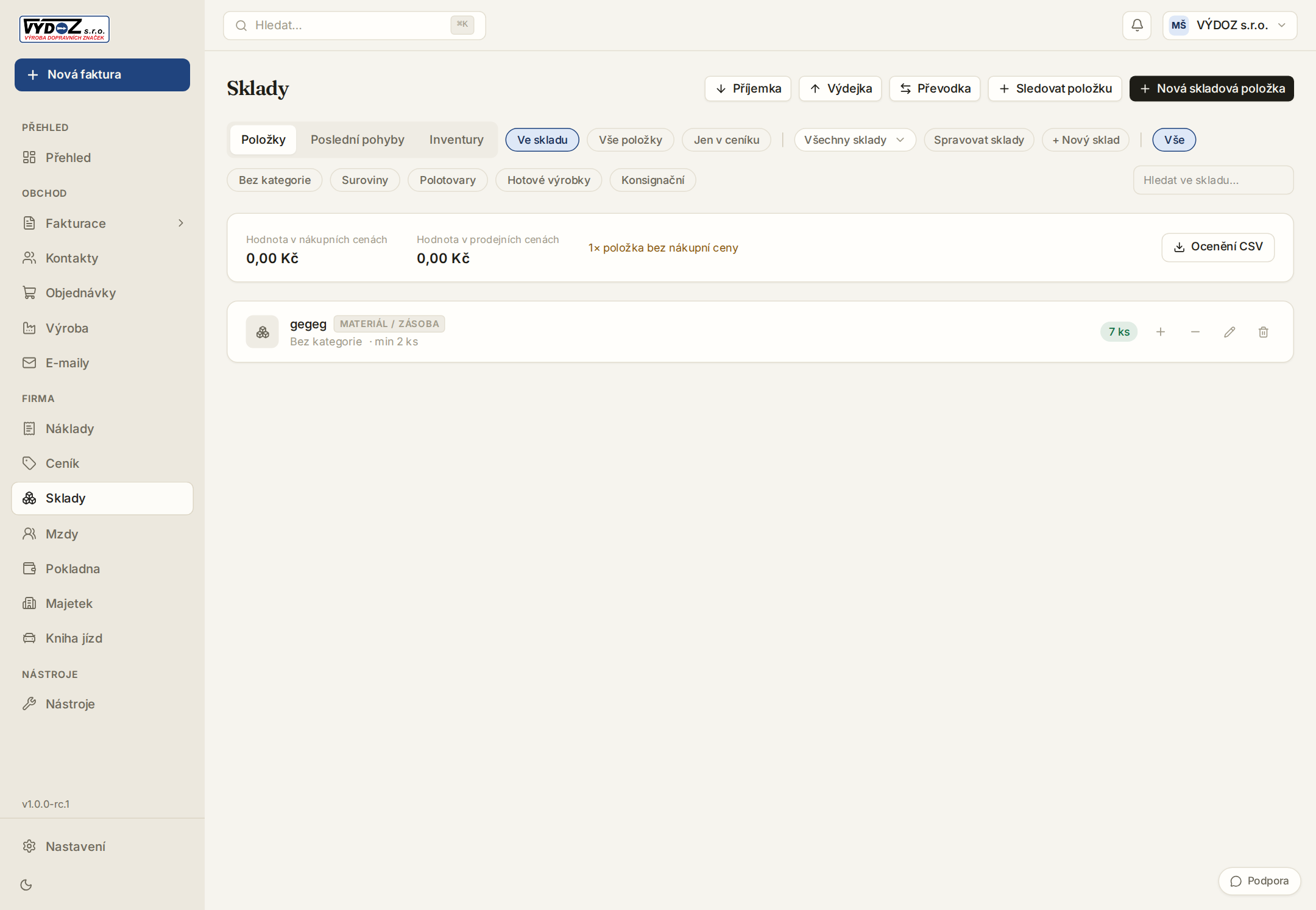
Stock is enabled in Settings → Modules (or on for the instance from day one). Toggle “track stock” on a price-list item — from then on every issued invoice and delivery note deducts it.
- 1Receive goods with the “+ movement” button on a row — receipt, issue or manual correction with a note.
- 2A minimum level on the item highlights the row when goods run low — set it once.
- 3Inventory compares the book state with the counted one and writes differences as corrections.
- 4Transfer between warehouses is one operation — deducts there, credits here.
Recipe (kit of parts)
A price-list item can carry a recipe — a list of components with quantities. When the kit is invoiced, its tracked parts deduct too. Recipes are single-level: parts do not have parts of their own.
A tracked item low on stock gets marked on the document — stock state is one click away on the Stock tab.
A warehouse transfer is a single movement — the ledger nets to zero, levels just shift between sites.
Try Invico free
15 days of Pro free — no card required.
Notify me at launch →