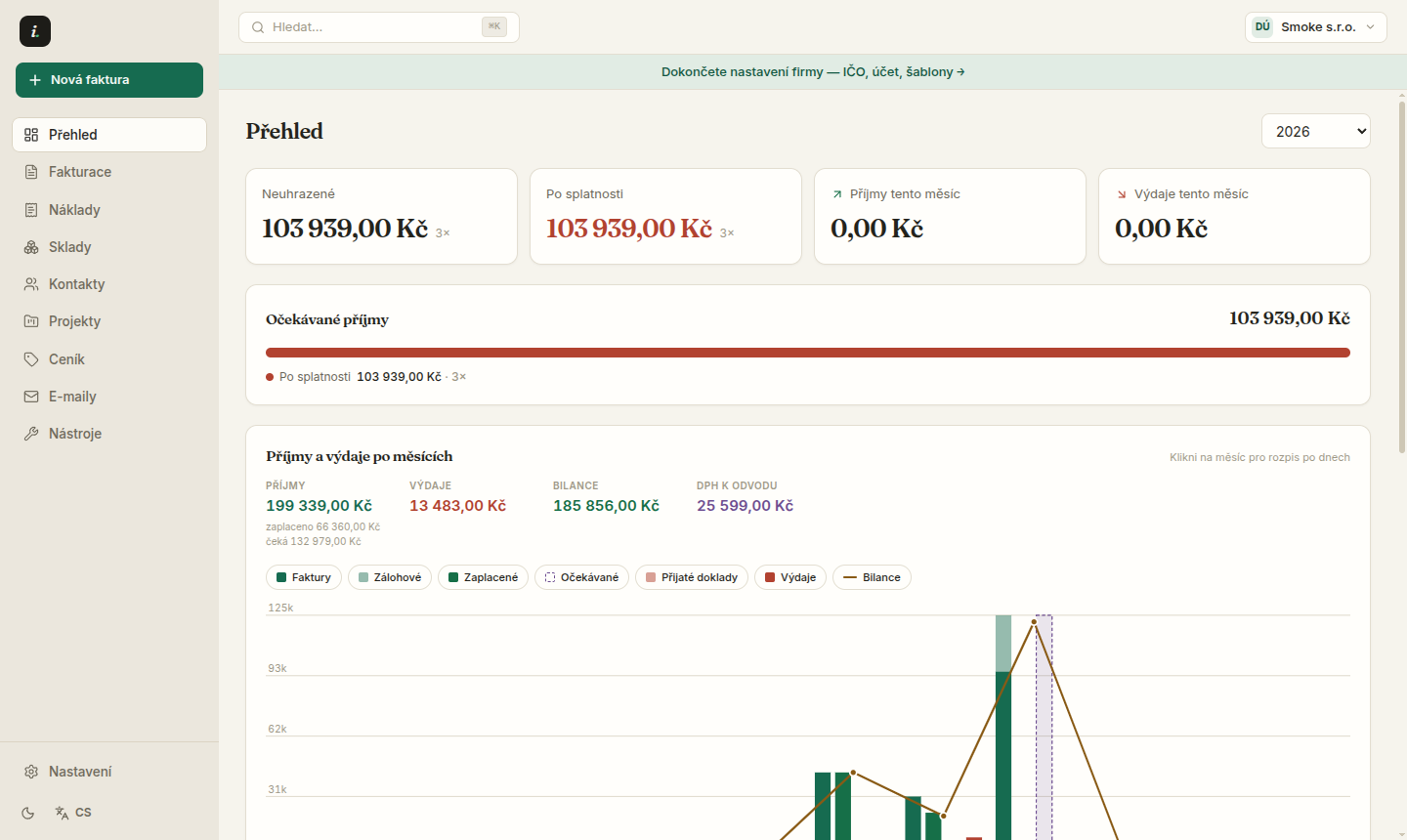
Bank — payment matching and imports
Statement imports, automatic matching on variable symbol and a direct bank connection.
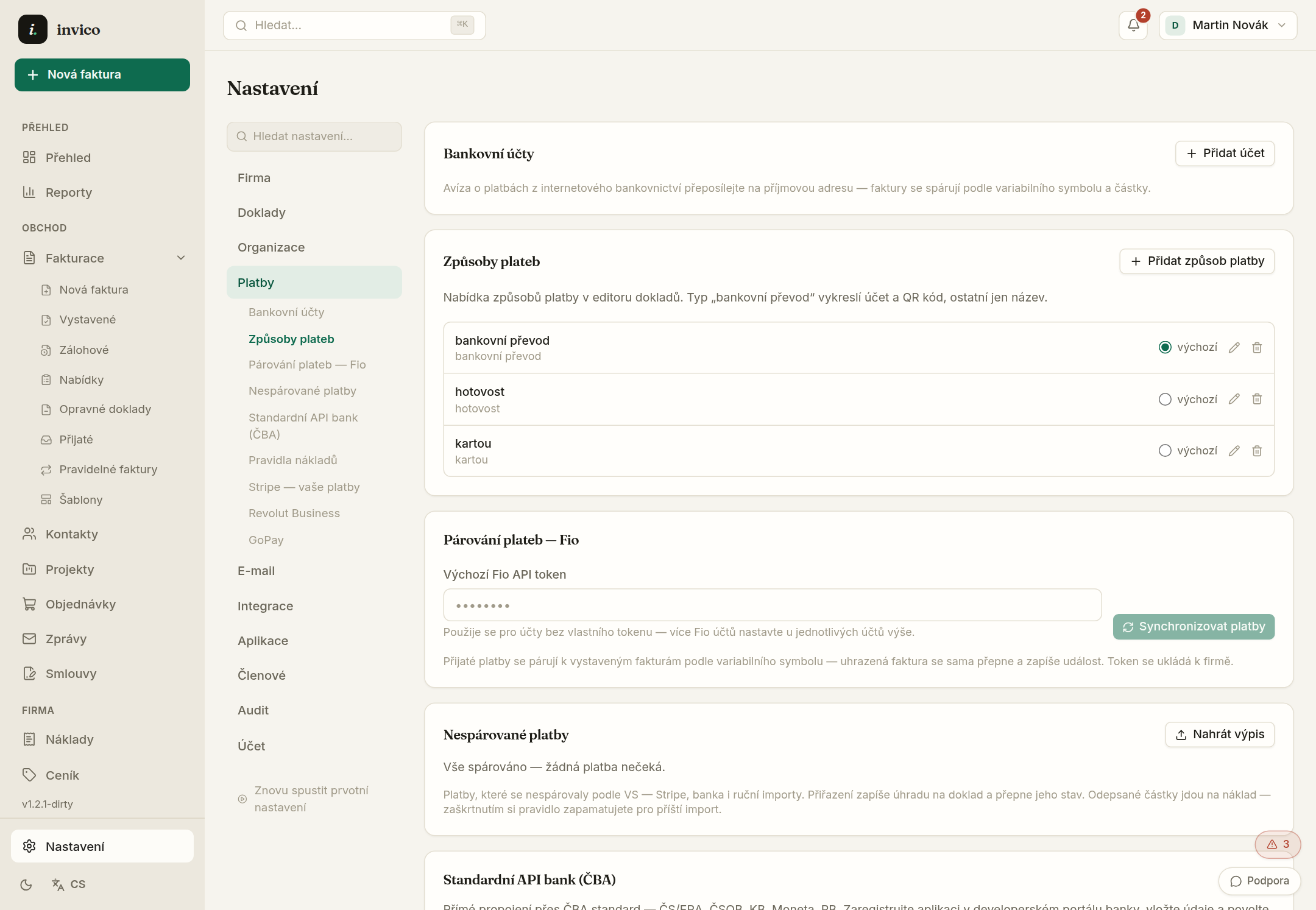
Bank data reaches Invico three ways: drop a statement (CSV, ABO), scheduled import, or a paired Czech Banking Association connection — if you have one linked.
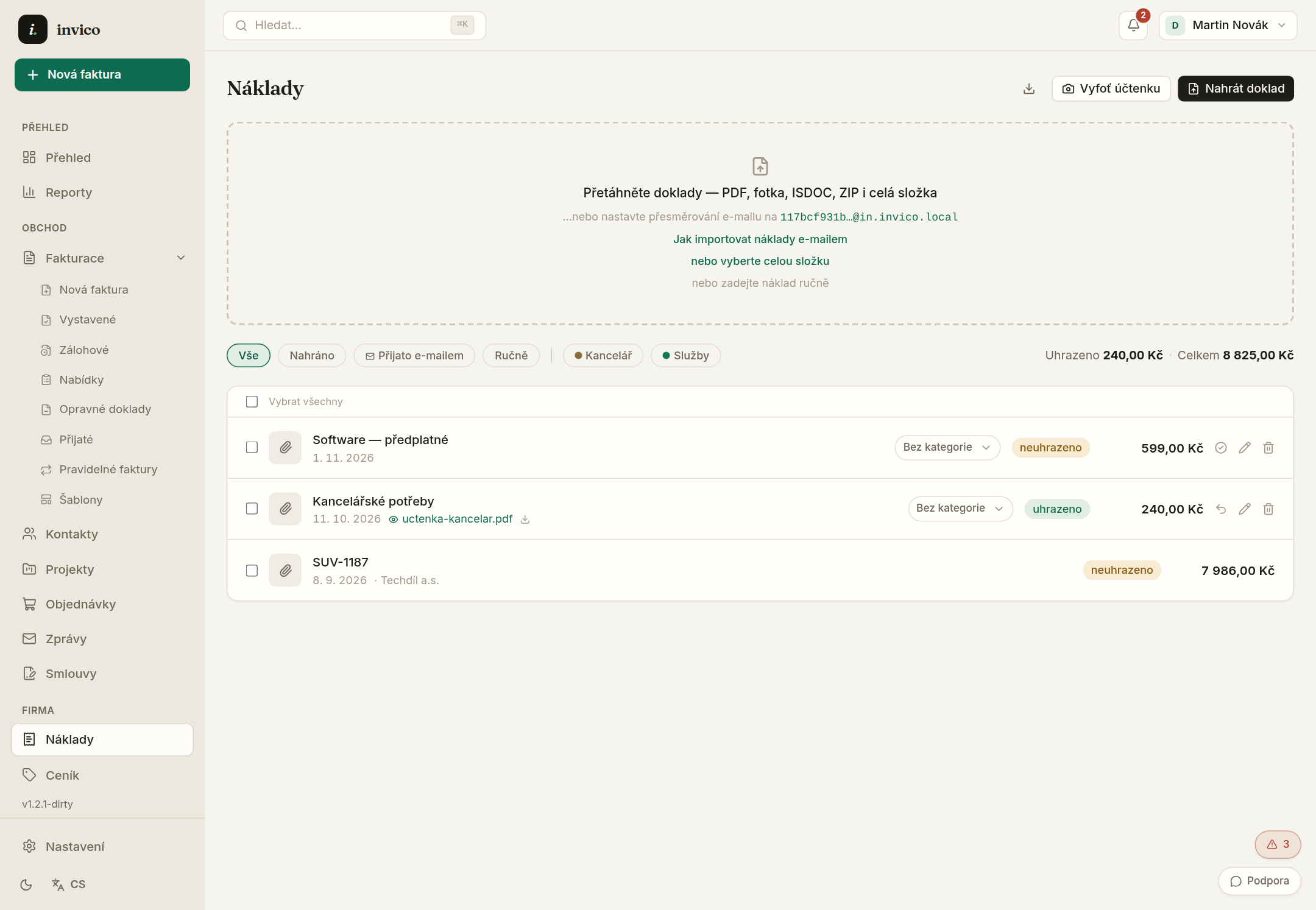
- 1Drop a statement on the Bank page — transactions import and try to match documents by VS.
- 2Matched payments write into the document state — “awaiting” flips to “paid” without a click.
- 3Unmatched rows surface in the Overview triage card — assign them manually in one click.
- 4Set matching rules in Settings → Bank — VS prefixes, account names and priority.
ČBA pairing is read-only — it pulls transactions into the app and never sends anything back. You keep entering payments in your banking as before.
Internet-banking notifications forward to an intake address — payments match without logging in.
Try Invico free
15 days of Pro free — no card required.
Notify me at launch →