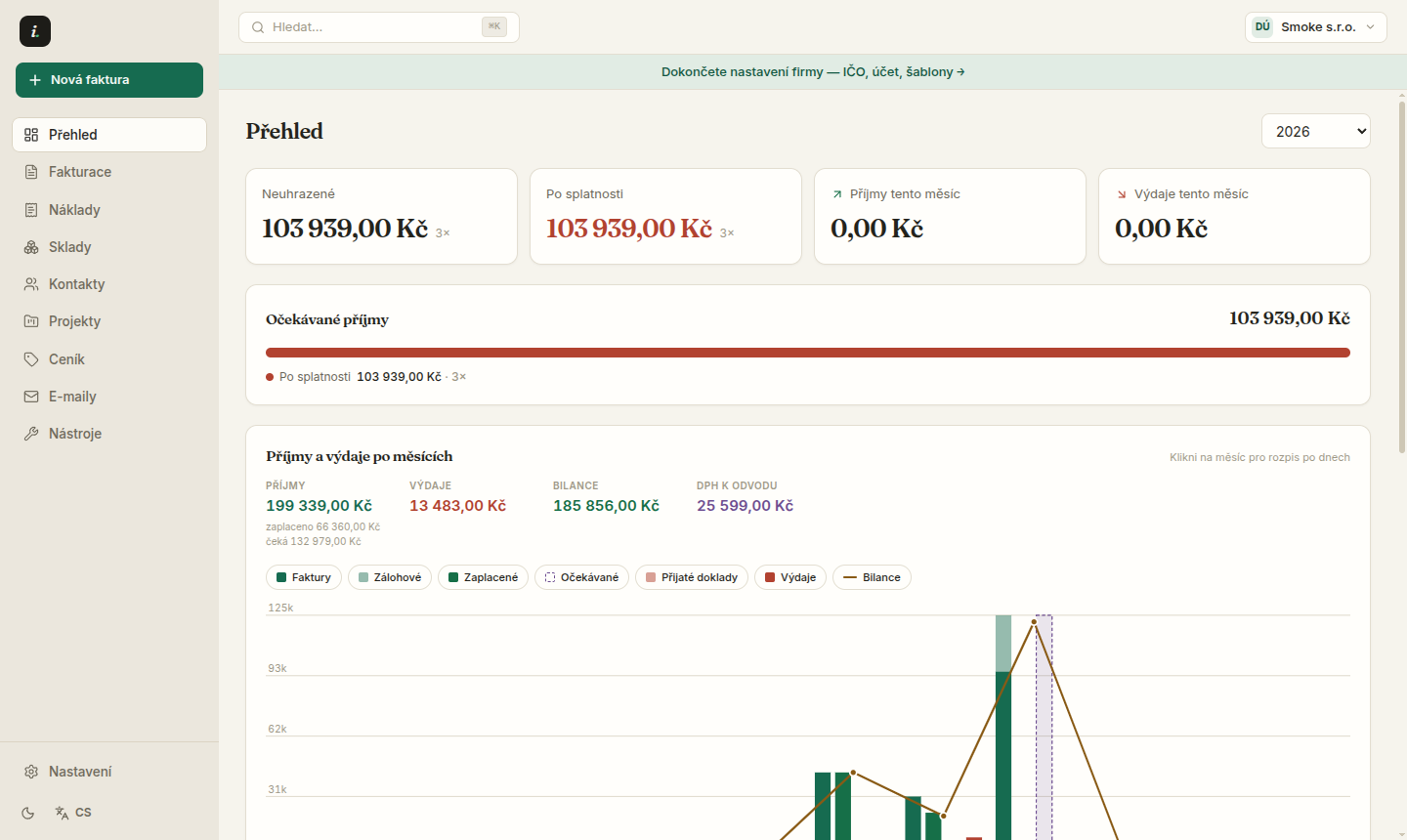
Expenses — costs under control
Business expenses with categories, due dates and project links.
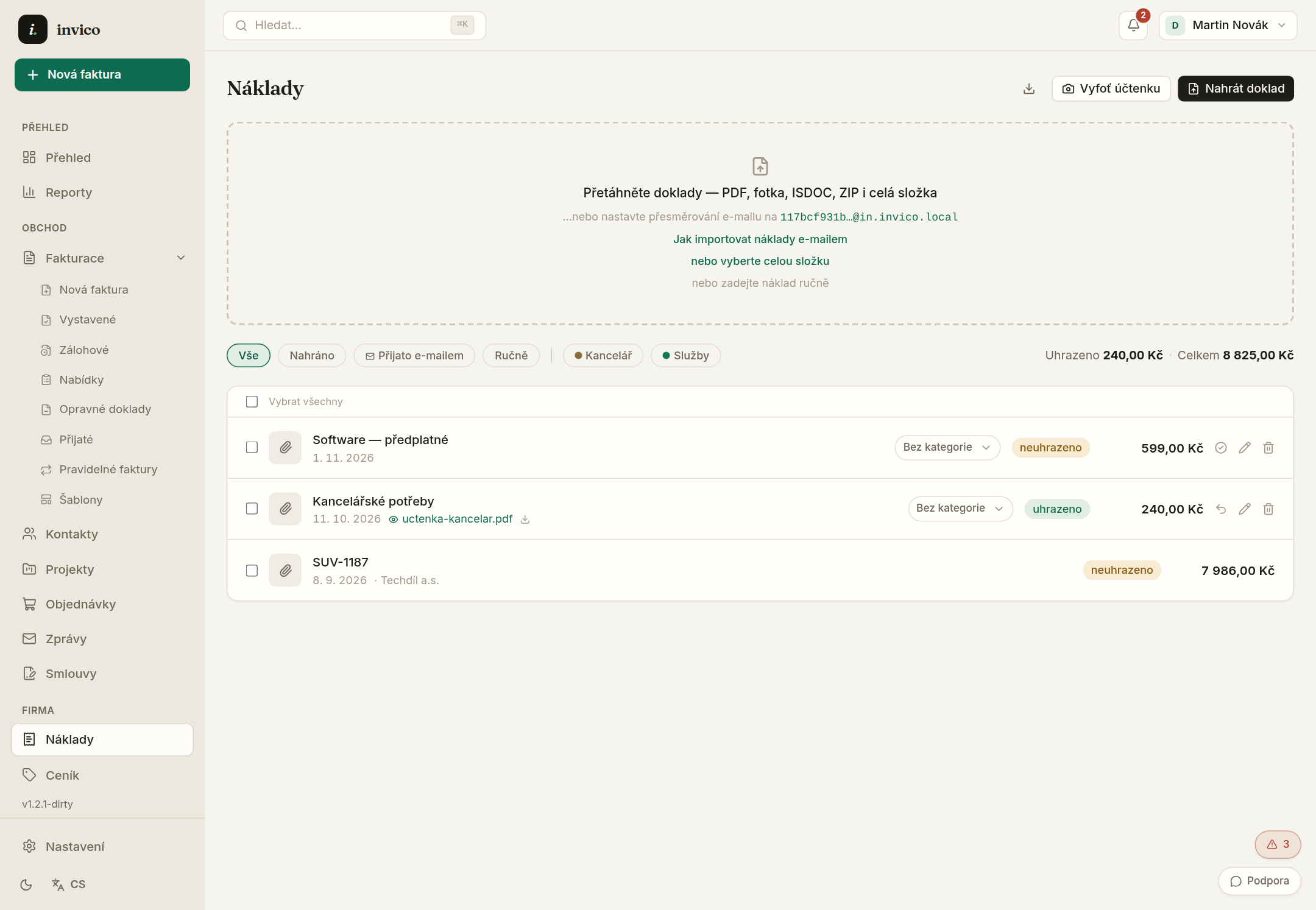
- 1Add an expense manually, by dropping a file, or by emailing it to your intake address.
- 2Categories drive the cost chart on the Overview — rename them in Settings → Categories & folders.
- 3An expense due date appears in the obligations calendar so nothing slips.
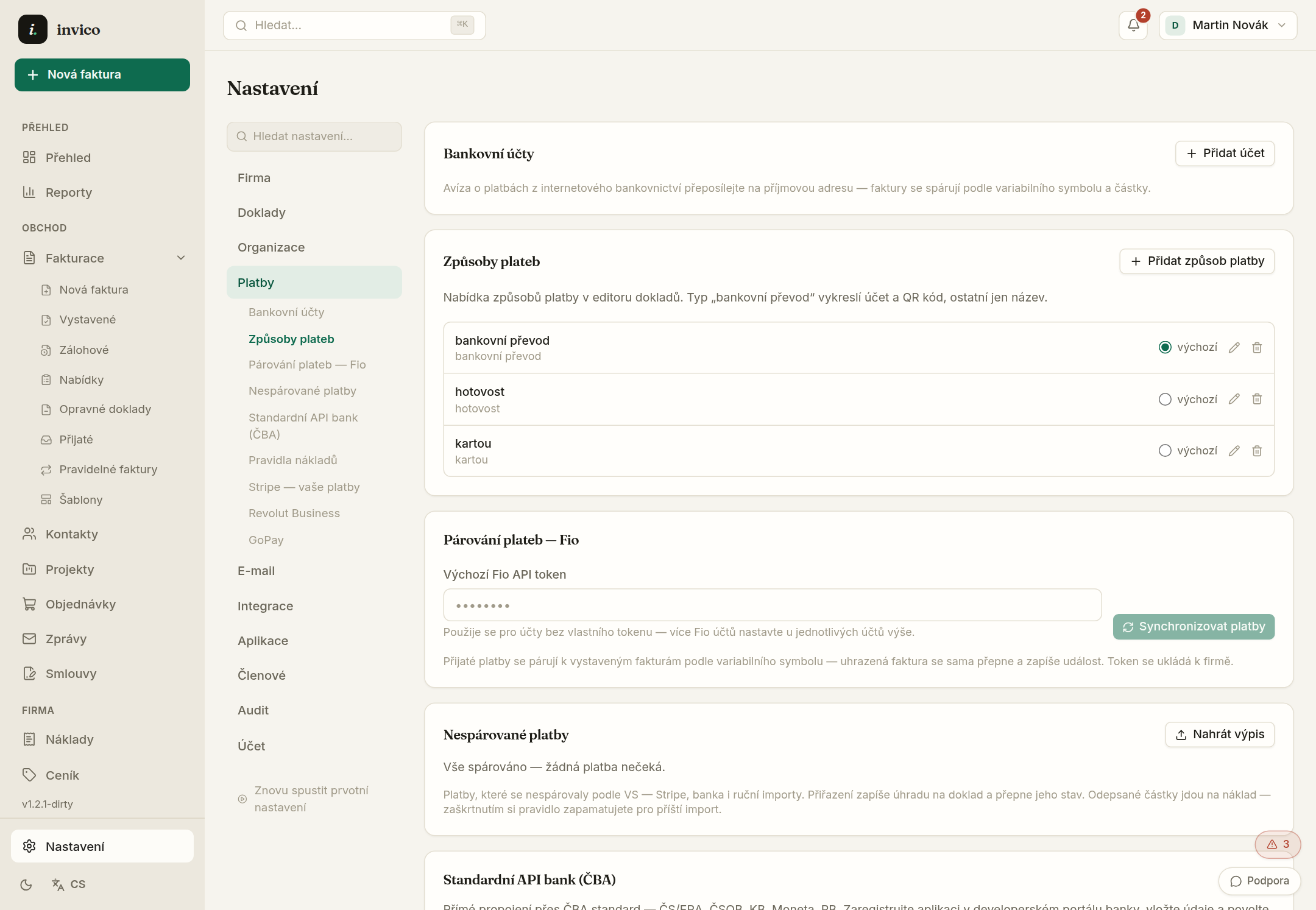
Bank imports recognise suppliers by company ID and assign categories from learned rules.
Try Invico free
15 days of Pro free — no card required.
Notify me at launch →