Overview — your financial dashboard
The front page answers “how am I doing” without any manual math.
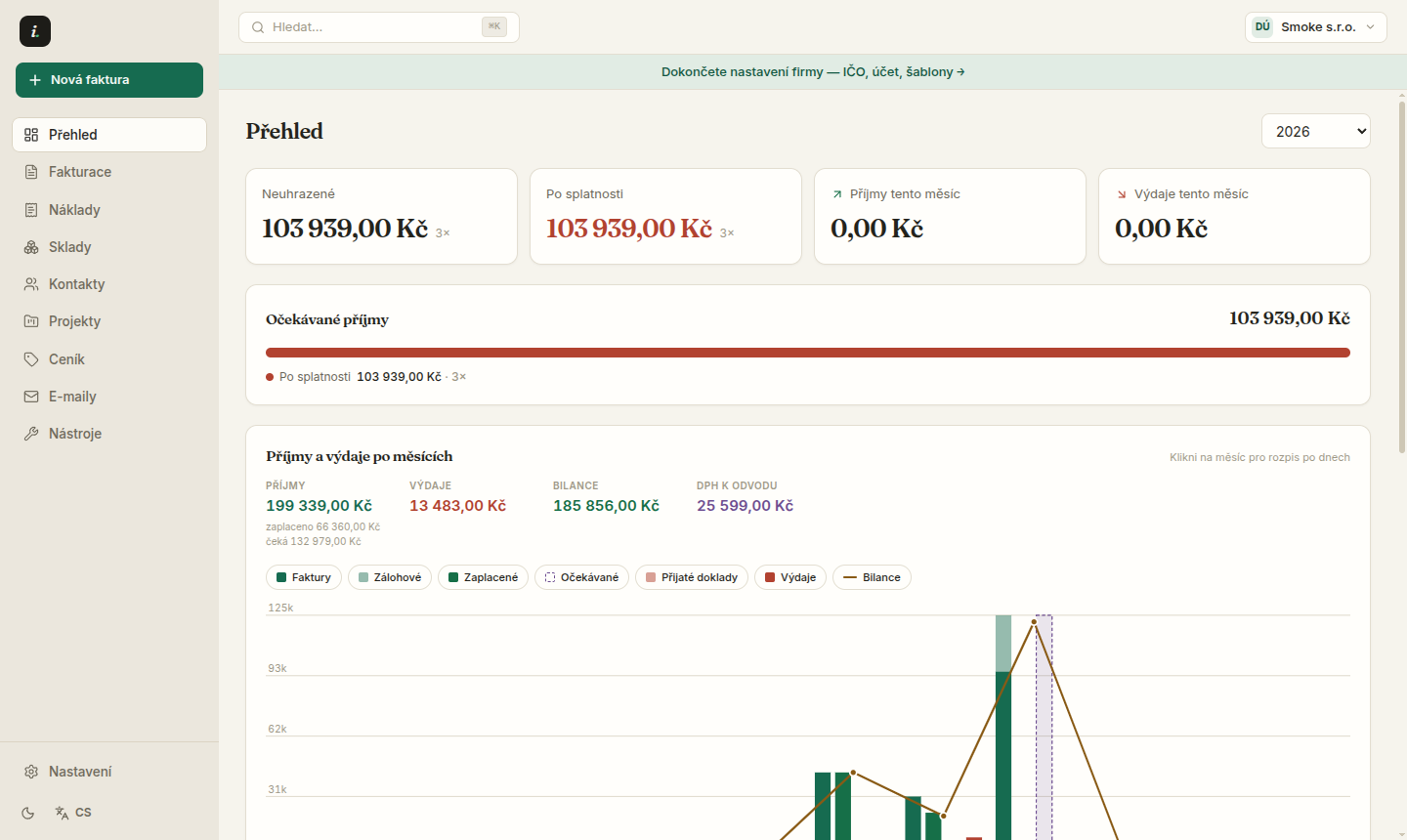
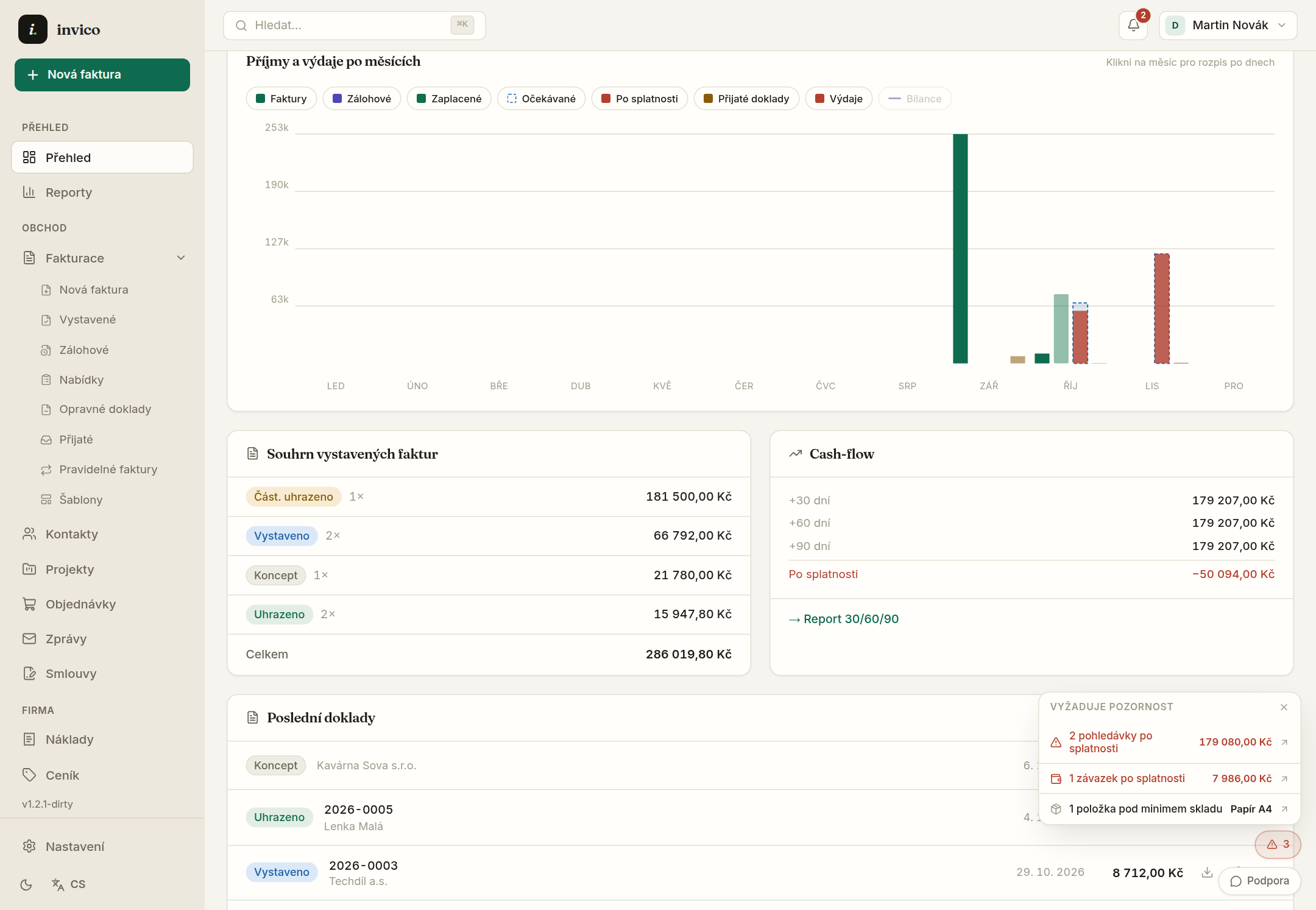
Overview answers “how am I doing”. The totals on top show yearly income, expenses and balance; click a chart month to recompute them for that month.
The “needs attention” card
Below the totals sits a triage card — overdue documents, unmatched bank transactions, quotes nearing expiry and contacts missing an e-mail. Every row links straight to the filtered list where the issue gets fixed.
- 1The monthly chart separates invoices, proformas and received documents; the green bar is actually collected cash, the dashed violet bar is expected income by due date.
- 2Click a month to open the day-by-day breakdown — every document and every payment.
- 3The obligations calendar tracks tax-office, social-security and health-insurance deadlines based on your profile.
Reminders send automatically when automation is on — the triage card tracks the state so nothing slips.
Totals switch between issued and paid — cash flow vs. booked revenue in one click.
Try Invico free
15 days of Pro free — no card required.
Notify me at launch →