Settings — company, documents and modules
Everything Invico needs to know about your company — from company ID to invoice design.
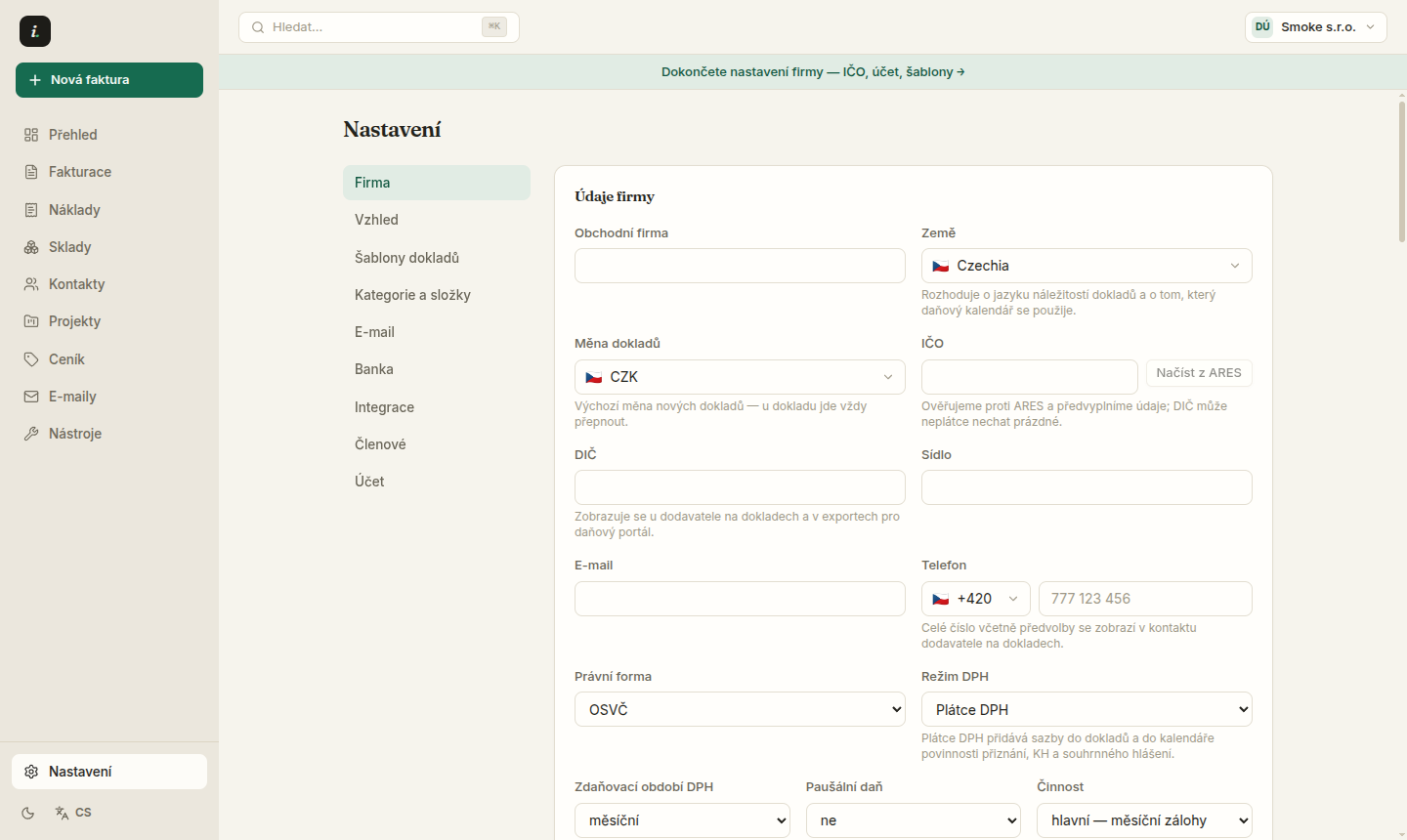
Settings keep the company profile, document series, modules and integrations in one place. Fill the company in properly once — everything else draws from it.
- 1Prefill company details from ARES with one click — just enter the company ID.
- 2The Document templates tab manages number series, custom fields and saved templates with placeholders.
- 3Hide menu modules in Settings → Appearance → Pages in the menu — Stock or Projects need not clutter the rail.
- 4The tax portal takes the subject identity from the Company tab — fill it once and exports use it automatically.
Service status
Platform operators manage the public /status page from the Admin tab — incidents, scheduled maintenance and their updates. Every post is public and permanent.
Sections have anchors — /nastaveni?tab=kategorieASlozky#s-sklady jumps straight to warehouse admin.
Try Invico free
15 days of Pro free — no card required.
Notify me at launch →